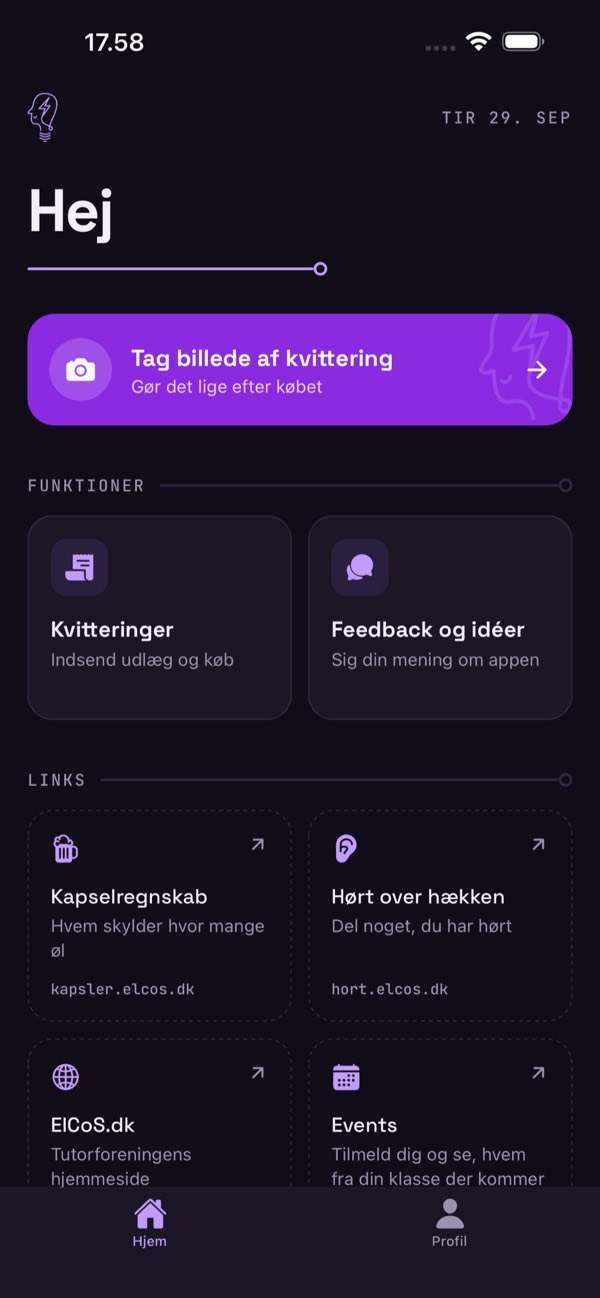
Snap the receipt the moment you've paid. The treasurer approves it, books it and pays you back. No more envelopes of crumpled paper.
Tutors spend their own money all the time: food for intro week, decorations, a crate of soda. Getting it back meant keeping the paper receipt, handing it in later, and hoping the treasurer could read it and work out what it was for.
The ElCoS app moves that whole trip onto the phone. The photo is taken right after the purchase, with the details the treasurer needs, so nothing gets lost in a pocket.
From first commit to the App Store in four days.
The first version was committed on 27 September 2026 and was running on the association's own server the next day. It was on the App Store on 1 October. Within ten days of the first commit it also had push notifications, a feedback inbox and Android support.
Every receipt moves through the same four steps, and both the tutor and the treasurer can see where it is.
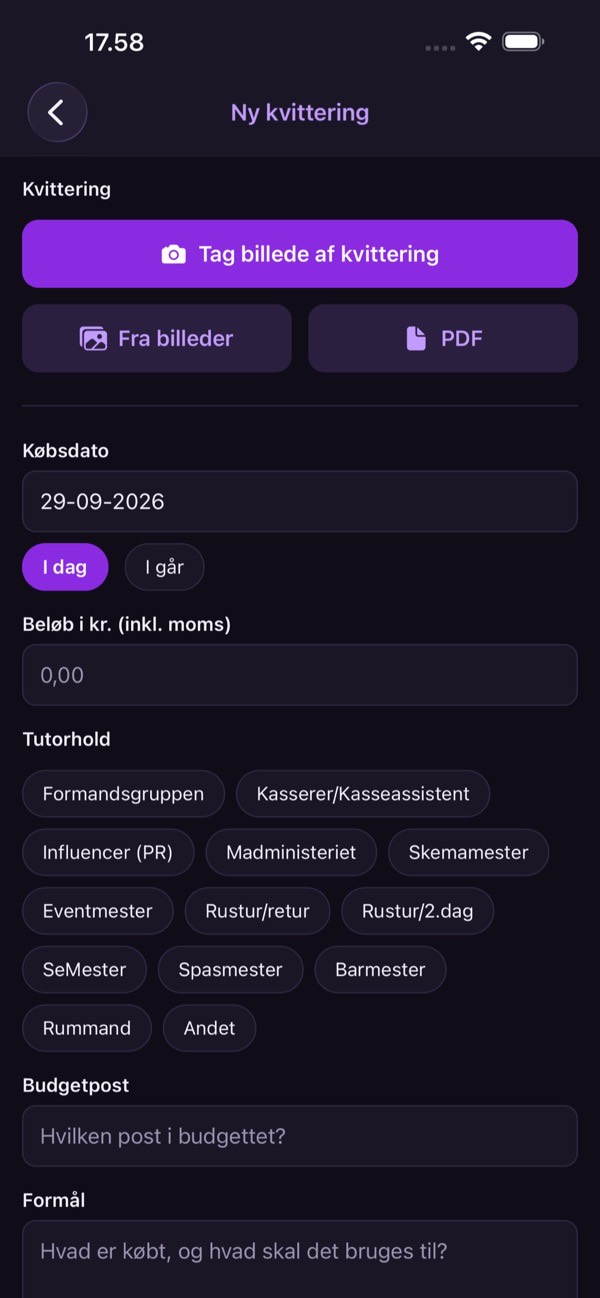
Photo or PDF, amount, the team and the budget line it belongs to.
Checked and approved. The tutor sees the new status.
Entered in the accounts and exported to a spreadsheet.
Money sent to the account number from the tutor's profile.
Afvist · A receipt can also be rejected, for example if it's missing or for the wrong budget.
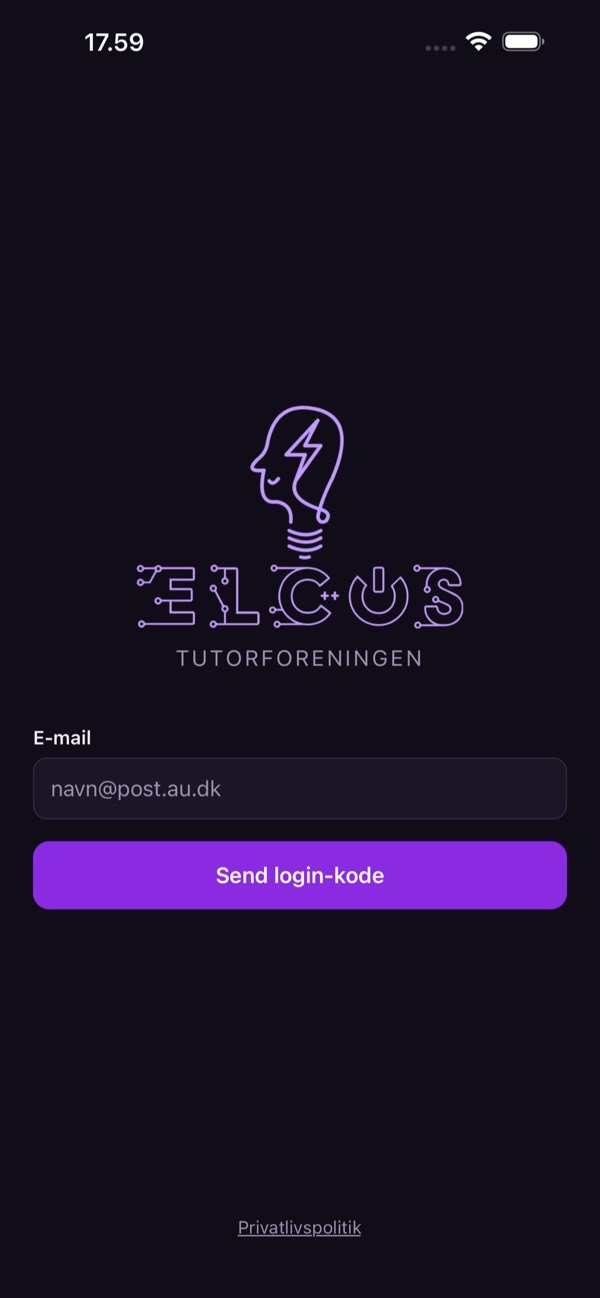
Type your e-mail, get a 6-digit code, done. No passwords to forget.
Use the camera right at the till, pick photos, or attach a PDF for online orders.
Pick your tutor group, and the budget lines come from that group's budget, so it lands in the right place.
“My receipts” shows every receipt and its status. The treasurer gets a push notification the moment it arrives.
From the App Store listing. Dark mode with ElCoS purple, and a light mode if you prefer.


All receipts in one list, filtered by status, with approve, reject, booked and refunded, and a CSV export.
Members send feedback from the app; admins get it in an inbox and are notified when something new arrives.
Treasurers hear about new receipts, admins about new feedback.
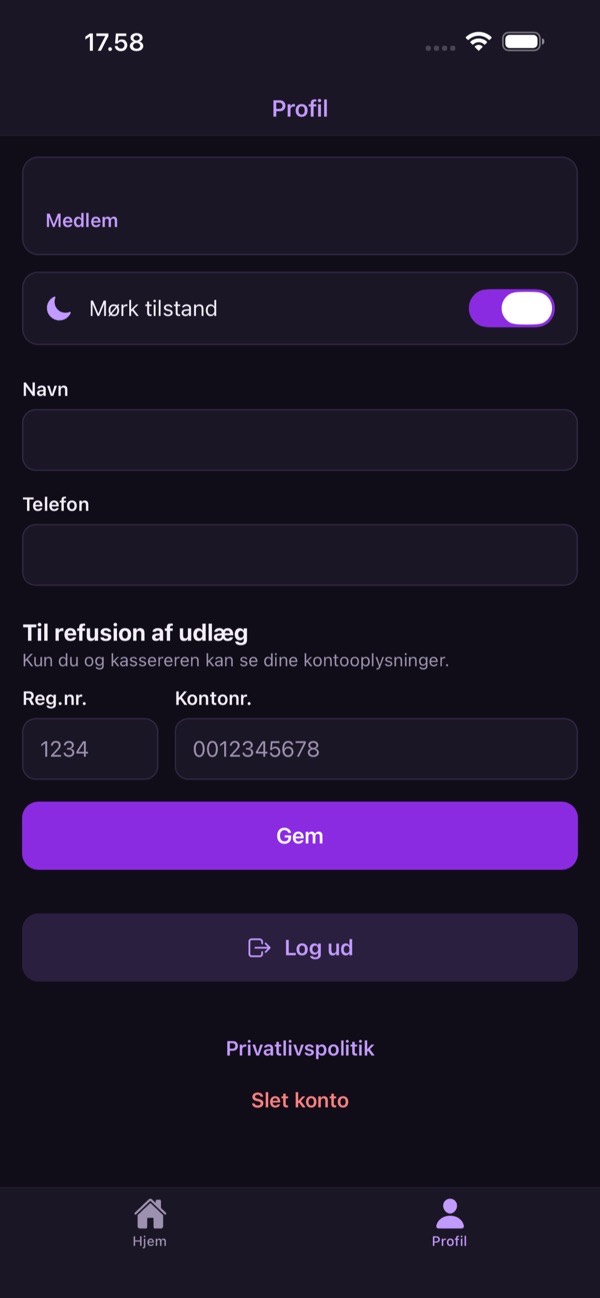
Name, phone and bank details saved once, so refunds just work.
The home screen links to the association's other tools, like Kapselregnskab and Events.
Delete your account from the app, a privacy policy, and a demo login for Apple's reviewers.
One TypeScript codebase for both phones, and a small PocketBase server on the association's own VPS.
A push to main that touches the server makes GitHub Actions log in to the VPS, pull, rebuild the container and wait until it's healthy. Database and receipt images live outside the code, so a deploy never touches them.
First version: tutor portal with receipts.
Running on the VPS, deploys through GitHub Actions. New front page, feedback and an admin role.
Ready for the App Store: delete account, demo login, privacy policy.
Android polish and Google Play setup.
Live on the App Store.
Push notifications on iOS.
Budget lines follow each tutor team's budget.
Version 1.2.0.